


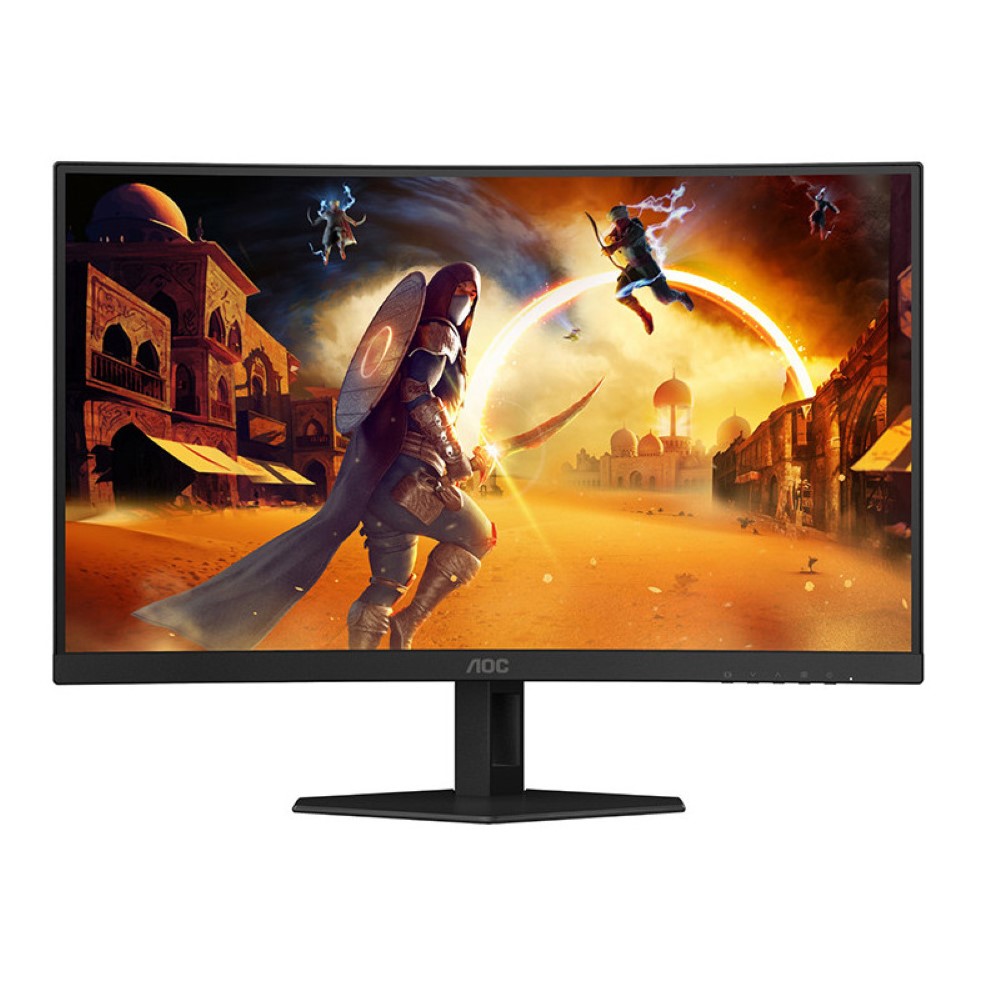
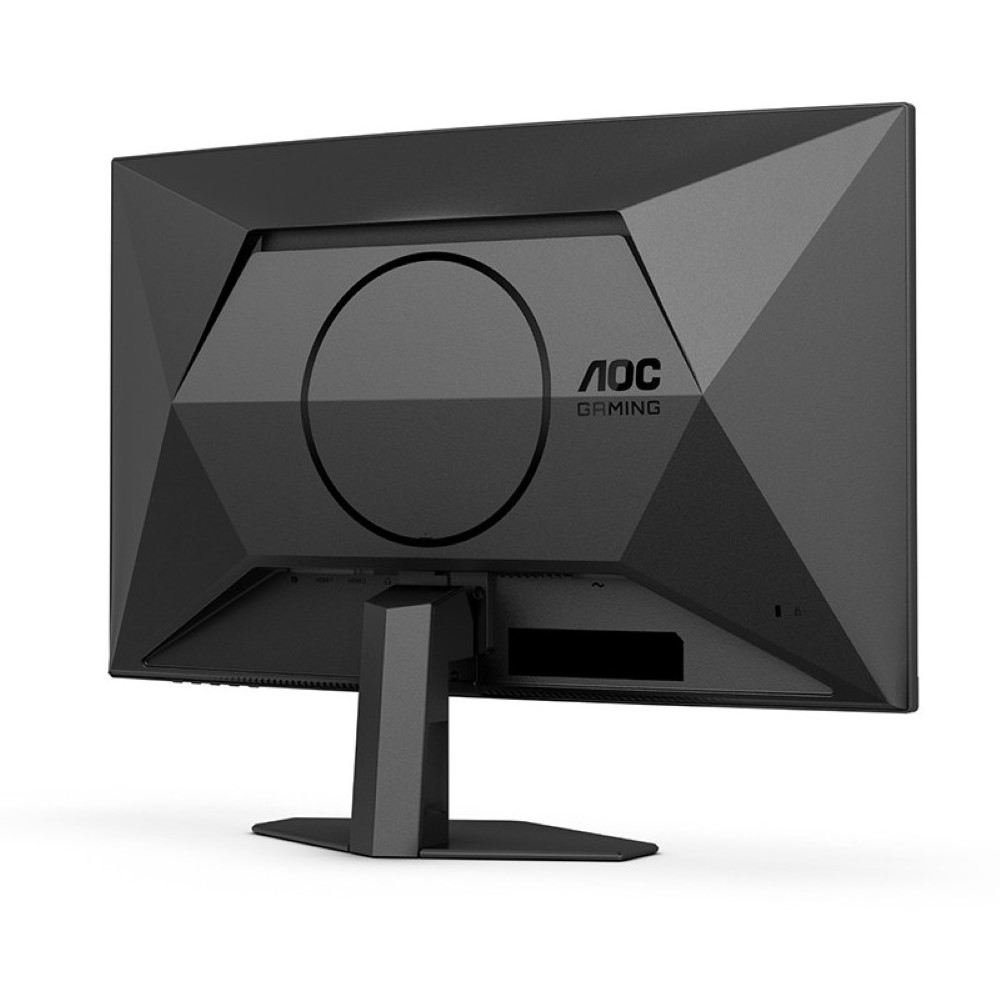
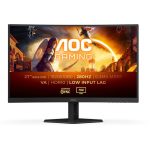
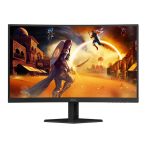
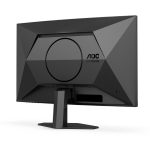

AOC CURVED FRAMELESS GAMING LED 27″ C27G4ZE
Original price was: ₨ 68,000.₨ 61,000Current price is: ₨ 61,000.
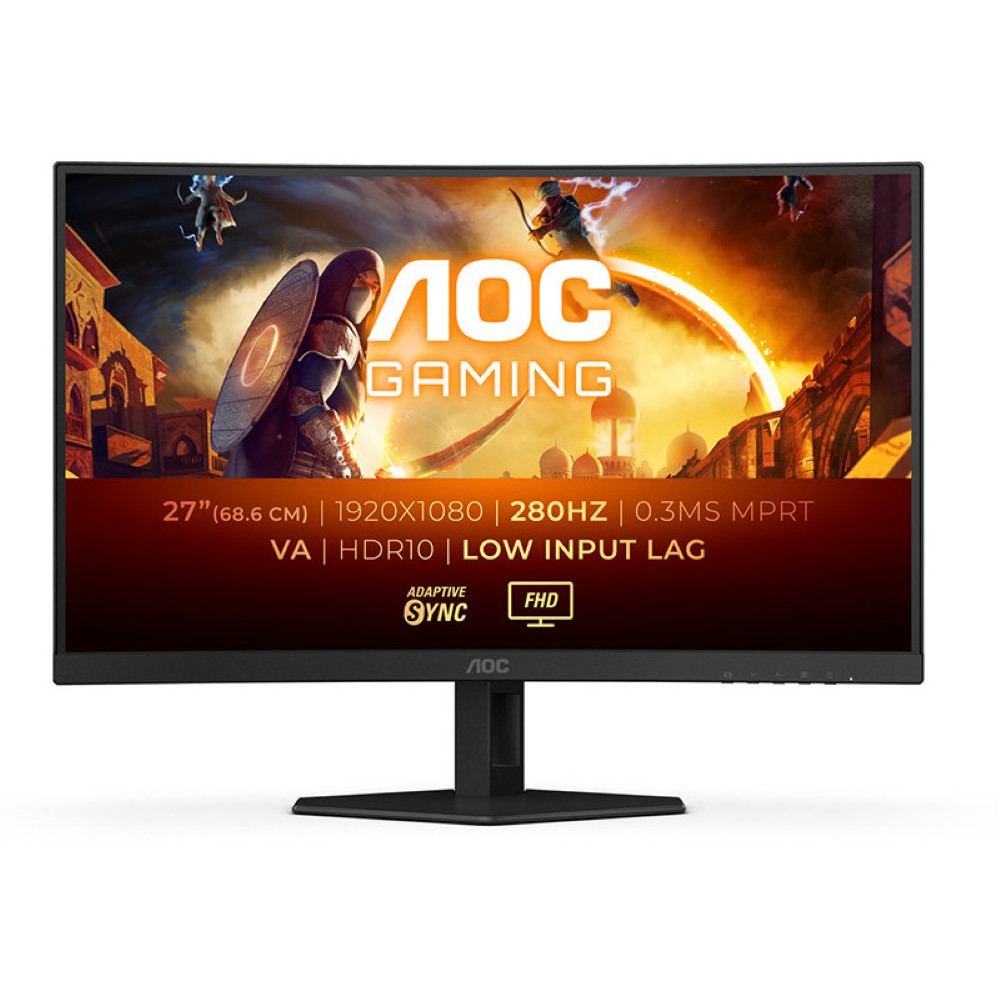
- Display: 27 in, VA, W-LED, 1920 x 1080 pixels
- Viewing angles (H/V): 178 ° / 178 °
- Brightness: 300 cd/m²
- Static contrast: 4000 : 1, Dynamic contrast: 80000000 : 1
- Refresh rate: 48 Hz – 280 Hz
- sRGB: 125.7 %
- Dimensions: 611.5 x 367.64 x 78.68 mm
- Weight: 4.05 kg
AOC CURVED FRAMELESS GAMING LED 27″ C27G4ZE Price in Pakistan
| Brand
Name of the company-manufacturer. |
AOC |
| Model
Designation of the model. |
C27G4ZXE |
| Model year
The year in which this model was announced. |
2024 |
Display
Information about the main characteristics of the display – panel, backlight, resolution, refresh rate, etc.
| Size class
Size class of the display as declared by the manufacturer. Often this is the rounded value of the actual size of the diagonal in inches. |
27 in (inches) |
| Diagonal
Approximate diagonal size of the display. If the manufacturer does not provide such information, the diagonal is calculated from the width and height of the screen. |
685.8 mm (millimeters) 68.58 cm (centimeters) 27 in (inches) 2.25 ft (feet) |
| Width
Approximate width of the display. If the manufacturer does not provide such information, the width is calculated from the diagonal and the aspect ratio. |
597.888 mm (millimeters) 59.7888 cm (centimeters) 23.5389 in (inches) 1.9616 ft (feet) |
| Height
Approximate height of the display. If the manufacturer does not provide such information, the height is calculated from the diagonal and the aspect ratio. |
336.312 mm (millimeters) 33.6312 cm (centimeters) 13.2406 in (inches) 1.1034 ft (feet) |
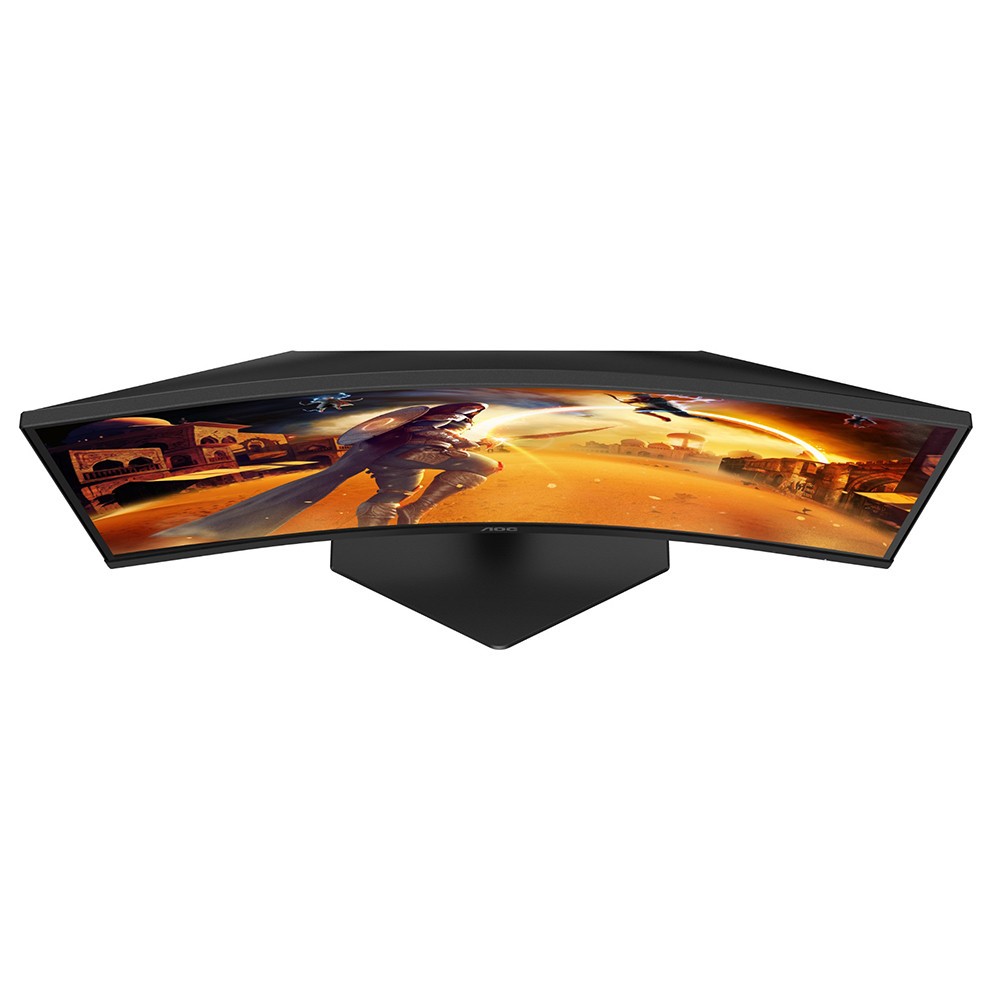
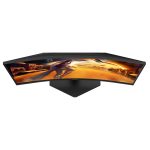
| Radius of curvature
There are curved displays, whose curve is part of a circumference (arc). In order to give more precise information about the curve of the screen, often the manufacturer provides data about the radius of this circumference. The smaller the radius, the larger the screen curve. |
1500 mm (millimeters) 150 cm (centimeters) 59.0551 in (inches) 4.9213 ft (feet) |
| Panel type
There are various panel technologies. Each has its own specific features – viewing angles, color reproduction, response time, brightness/contrast, production cost, etc. The image quality depends directly on the type of the display panel used. |
VA |
| Panel bit depth
The most widely used panels are those with 6, 8, and 10 bits for each of the RGB components of the pixel. They provide 18-, 24-, and 30-bit color, respectively. |
8 bits |
| FRC
Frame Rate Control (FRC) is a method, which allows the pixels to show more color tones. With quick cyclic switching between different color tones, an illusion for a new intermediate color tone is created. For example, by using FRC, a 6-bit display panel is able to show 16.7 millioin colors, which are typical for 8-bit display panels, and not the standard 262200 colors, instead. There are different FRC algorithms. |
No |
| Colors
The maximum number of colors, which the display is able to reproduce, depends on the type of the panel in use and color enhancing technologies like FRC. |
16777216 colors 24 bits |
| Aspect ratio
The ratio between the horizontal and the vertical side of the display. Some of the standard and widely used aspect ratios are 4:3, 5:4, 16:9 and 16:10. |
1.778:1 16:9 |
| Resolution
Information about the number of pixels on the horizontal and vertical side of the screen. A higher resolution allows the display of a more detailed and of higher quality image. |
1920 x 1080 pixels Full HD / 1080p |
| Pixel pitch
The pixel pitch shows the distance from the centers of two neighboring pixels. In displays, which have a native resolution (the TFT ones, for example), the pixel pitch depends on the resolution and the size of the screen. |
0.311 mm (millimeters) 0.0311 cm (centimeters) 0.0123 in (inches) 0.001 ft (feet) |
| Pixel density
Information of the number of pixels in a unit of length. With the decrease of the display size and the increase of its resolution, the pixel density increases. |
81 ppi (pixels per inch) 32 ppcm (pixels per centimeter) |
| Display area
The percentage of the approximate area, taken by the active part of the screen, to the total front area. |
89.44 % (percent) |
| Backlight
The backlight is the source of light of the LCD display panels. The type of backlight determines the image quality and the color space of the display. There are various backlights such as CCFL, LED, WLED, RGB-LED, and etc. |
W-LED |
| sRGB
sRGB is a color space, developed jointly by Hewlett-Packard and Microsoft in 1996. It is used in different devices such as printers, displays, TV sets, cameras, etc. The sRGB color space covers about 72% of the NTSC color space. |
125.7 % (percent) |
| DCI P3
DCI P3 is a color space, introduced in 2007 by the SMPTE. It is used in digital cinema and has a much wider gamut than the sRGB. |
92.4 % (percent) |
| Brightness
Information about the brightness of the screen. It is measured in candela per square metre (cd/m²). |
300 cd/m² (candela per square meter) |
| Static contrast
The static contrast shows the ratio between the brightest and the darkest color, which the display can reproduce simultaneously, for example, within one and the same frame/scene. |
4000 : 1 |
| Dynamic contrast
The dynamic contrast shows the ratio between the brightest and the darkest color, which the display can reproduce over time, for example, in the course of playing a video. |
80000000 : 1 |
| HDR
HDR expands the contrast ratio (peak luminance and minimal black levels) and color palette to achieve more details across the whole image – from the darkest parts to the brightest ones, which results in more realistic and life-like image. |
HDR10 |
| Horizontal viewing angle
Information about the maximum horizontal viewing angle, within which the image on the screen is of acceptable quality. |
178 ° (degrees) |
| Vertical viewing angle
Information about the maximum vertical viewing angle, within which the image on the screen is of acceptable quality. |
178 ° (degrees) |
| Minimum response time
Information about the minimum amount of time, in which the pixels change from one color to another. Very often the manufacturer provides the response time for transition from grey-to-grey (G2G). |
1 ms (milliseconds) 0.0010 s (seconds) |
| Coating
Information about the type of coating of the display. There are different types of matte and glossy coatings, each of which has its own advantages and drawbacks. |
Anti-glare/Matte (3H) |
| Response time – 0.3 ms (MPRT – Motion Picture Response Time) |
3D
3D displays use various technologies to achieve a 3D effect. Each of these technologies has its own advantages and drawbacks.
| 3D
Information on whether 3D is supported or not. |
No |
Frequencies
Information about the horizontal and vertical refresh rates/frequencies.
| Horizontal frequency (digital)
The horizontal scan rate/frequency shows the number of horizontal lines, displayed by the monitor per second, when it is plugged to a digital source. |
30 kHz – 320 kHz (kilohertz) |
| Vertical frequency (digital)
The vertical frequency/refresh rate shows how many times in a second the image on the screen is refreshed. |
48 Hz – 280 Hz (hertz) |
| DisplayPort – 30 kHz – 320 kHz; 48 Hz – 280 Hz HDMI – 30 kHz – 280 kHz; 48 Hz – 240 Hz |
Related products


Philips 27IV8B LCD Monitor 27″ IPS 4ms GtG Flicker-free FHD 100Hz Adaptive Sync
- 27 inch / 68.6 cm IPS technology
- W-LED system
- Mega Infinity DCR – 4 ms (GtG)* – sRGB – Flicker-free
- 1920 x 1080 @ 100 Hz* Adaptive sync


AOC 27B36H – 100Hz 1080p FHD IPS 27″ Monitor
- 1920 × 1080 (FHD)
- 1ms Response Time
- 100Hz Refresh Rate
- 3-Sided Frameless


AOC 22B3HM 21.5″ VA Panel Monitor FHD 4ms Adaptive Sync
- 1920 x 1080 (FHD) 75Hz 4ms VA Adaptive Sync
- Reducing shortwave blue light output for healthier eyes
- Engineered for better visual experiences
- A universally respected anti-tearing solution


Asus Rog Strix XG279CNS 27” 1080P USB-C Gaming Monitor – Full HD, IPS, 380Hz, 0.3ms, Extreme Low Motion Blur Sync, DisplayHDR 400, Tripod Socket, DisplayWidget Center
- 27-inch Full HD (1920x1080)
- ASUS Fast IPS Technology
- 0.3ms (GtG) Response Time
- ROG Gaming A.I. Technology

Asus Tuf Gaming VG279Q3R 27” 1080P Monitor – Full HD, 180Hz, Fast IPS, Extreme Low Motion Blur, 1ms, FreeSync, Variable Overdrive, Shadow Boost, Eye Care, 100% sRGB
- 27-inch Full HD (1920x1080)
- Extreme Low Motion Blur Sync
- FreeSync Premium Technology
- 1ms (GTG) Response Time


MSI PRO MP251 E2 24.5-inch 120 Hz IPS 1920 x 1080 (FHD) Gaming Monitor
- 24.5-inch Broadened Display – Enjoy the upgraded canvas in the limited space.
- 120 Hz refresh rate provides a better viewing experience with flicker-free image.
- IPS panel with 178° Wide Viewing Angle designed for a premium quality picture
- TÜV certified display ensures the protection and health of eyesight.
- MSI Eye-Q Check helps have self-check eyes & reminds to take a rest while using the monitor for a long time.

Reviews
There are no reviews yet.